


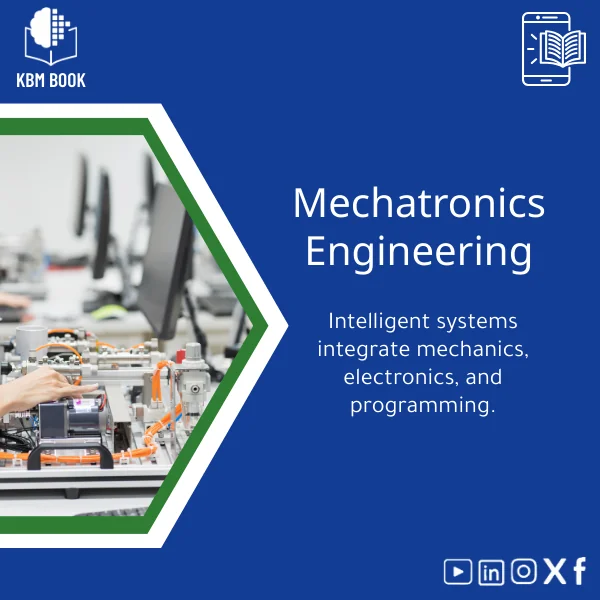
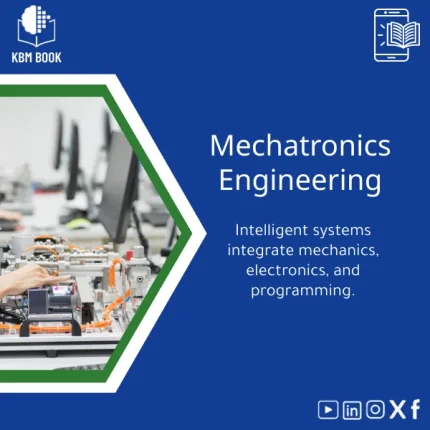
Mechatronics Engineering Course: Integrate Mechanics and Electronics
Original price was: 199.00 $.159.00 $Current price is: 159.00 $.
A searchable, hierarchical Knowledge Base Module (KBM) covering mechatronics engineering fundamentals to advanced smart system design — built for students, researchers and professionals who need fast, reliable access to integrated mechanics, electronics and control knowledge.
Key benefits & value for the buyer
Mechatronics Engineering KBM transforms scattered learning materials into a single, consistent reference. Rather than reading disparate books or wading through forum threads, you get a hierarchically organized knowledge database designed for quick retrieval and practical application.
Features translated into outcomes
- Hierarchical modules: Find definitions, theory, design steps and verification procedures in seconds — reduces research time for assignments and project milestones.
- Reusable templates: Transferable BOMs, control tuning tables and test plans speed up lab work and prototyping.
- Searchable examples: Real-world case studies of smart mechatronic systems (robotic arm, autonomous vehicle sensor stack) that you can adapt to coursework or R&D.
- Exportable assets: Produce a mechatronics fundamentals PDF or lecture pack directly from the KBM — ideal for instructors and trainers.
Use cases & real-life scenarios
How customers typically use this KBM:
- Students: Prepare lab reports and exams by extracting concise theory summaries, step-by-step experiment procedures and worked examples.
- Researchers: Quickly compare sensor models, control architectures and reference designs to accelerate literature reviews and prototype selection.
- Engineers & product teams: Use the mechatronics design guide modules to create requirement checklists, risk matrices and integration plans for smart mechatronic systems.
Practical scenario
Example: a capstone team needs a PID tuning strategy and an actuator selection for a conveyor robot. Instead of sourcing three books, they open the KBM’s control chapter, run a search for “deadbeat PID conveyor”, copy the tuning table, export the actuator selection checklist and adapt the provided Simulink snippet — all in under an hour.
Who is this product for?
This KBM is built for:
- Undergraduate and graduate students in mechanical, electrical and mechatronics programs.
- Researchers needing concise reference material to support experiments and publications.
- Professionals (automation, robotics, embedded systems) who require fast answers without wading through long textbooks.
- Instructors and trainers who want exportable lecture packs and lab guides from a single authoritative source.
How to choose the right KBM version
KBM packages are tailored by depth and asset type — choose based on your workflow:
- Starter: Core concepts, glossary, essential lab procedures — best for semester courses and introductory labs.
- Professional: Full design guides, worked examples, CAD/PCB notes, and expanded smart mechatronic systems case studies — ideal for capstone projects and engineers.
- Enterprise / Instructor: Includes editable lecture packs, curriculum maps and bulk licensing for departments or training centers.
If unsure, select Professional for the broadest coverage. You can upgrade later and retain previously exported assets.
Quick comparison with typical alternatives
Choose this KBM when you value organized, reusable knowledge over the limitations below:
- Traditional textbooks: Deep but linear — slower to navigate and often duplicated content. KBM provides modular access and exportable snippets.
- Online tutorials and scattered PDFs: Quick but inconsistent quality and incomplete. KBM centralizes validated content with references and version history.
- Video courses: Great for overview, but poor for searchable reference and reusable artifacts. KBM complements videos by providing code, tables and checklists you can copy.
Best practices & tips to get maximum value
- Use the search index before starting a design — save time by reusing proven checklists and tuning tables.
- Export the mechatronics fundamentals PDF sections you need for lectures or lab handouts instead of retyping content.
- Integrate KBM snippets into your Git repo for reproducible experiments (code, simulation parameters, BOM entries).
- Cross-reference KBM citations in reports to strengthen reproducibility and technical credibility.
Common mistakes when buying or using similar products — and how to avoid them
- Mistake: Buying a generic eBook that lacks modular assets. Fix: Choose a KBM with exportable templates and code examples.
- Mistake: Assuming video courses are sufficient for engineering design. Fix: Use the KBM as a searchable reference alongside videos.
- Mistake: Overlooking license terms when reusing artifacts in commercial projects. Fix: Check the included usage notes and choose the Enterprise/Instructor license when needed.
Product specifications
- Product type: Digital Knowledge Base Module (KBM) — Mechatronics Engineering
- Content depth: Beginner → Advanced (structured into 8 main modules: Fundamentals, Sensors & Actuators, Embedded Systems, Control Systems, Power & Electronics, Mechanics & Dynamics, Design & Verification, Case Studies)
- Formats included: Native KBM package, exportable PDFs (chapter-level), CSV index, code snippets (.c/.cpp/.py), MATLAB/Simulink models
- Language: English
- Compatibility: Windows / macOS / Linux (viewers and exports), integrates with common LMS and Git
- License: Single-user, multi-user and institutional options; commercial reuse notes included
- Updates: One year of free updates; optional ongoing update subscription
- Support: Email support and documented installation & integration steps
Frequently asked questions
Can I export sections as a PDF or include them in my course pack?
Is this KBM a replacement for a mechatronics engineering book or textbook?
What formats are included for code and simulation models?
What if the KBM does not match my syllabus or company standards?
Ready to get structured, actionable mechatronics knowledge?
Choose the KBM package that fits your workflow and reduce your research-to-prototype time dramatically. Secure, downloadable and ready to integrate into courses or projects.
Need help choosing a version? Contact KBMBook support for a short consultation and we’ll recommend Starter, Professional or Enterprise based on your goals.
Related products
Astronomy Observational Techniques Guide for Celestial Motion
Astrophysics Book: Understanding Stars, Galaxies, and Dark Energy
A searchable, hierarchical Knowledge Base Module (KBM) that converts astrophysics and cosmology into a practical, exam-ready and research-ready reference. Designed for students, researchers, and professionals who need immediate access to reliable explanations, equations, and data models for stars, galaxies, and dark energy.
Comprehensive Botany Book on Plant Taxonomy and Photosynthesis
A structured, searchable botany book designed as a Knowledge Base Module (KBM) — an end-to-end reference on plant taxonomy, organ structure, and the biochemistry of photosynthesis. Built for students, researchers, and professionals who need reliable, hierarchical knowledge they can search, cite, and apply immediately.

Comprehensive Microbiology Book on Bacteria, Viruses, and Fungi
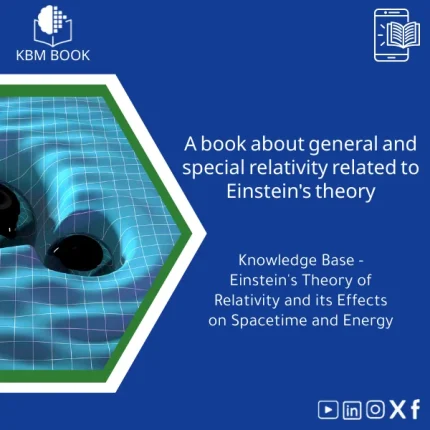
General and Special Relativity Book on Einstein’s Theory
A structured, searchable Knowledge Base Module (KBM) that converts Einstein's General and Special Relativity into a clear, hierarchical reference: formulas, derivations, worked examples, practical applications (GPS, astrophysics), and a compact research bibliography — ready to download and integrate into study, teaching, or research workflows.

Inorganic Chemistry Guide: Bonding and Crystal Solids
A structured, searchable Knowledge Base Module (KBM) that converts inorganic chemistry fundamentals and advanced topics—bonding models, lattice structures, defects, and solid-state properties—into a practical digital reference for students, researchers, and professionals who need fast, reliable answers without wading through textbooks.

Reviews
Clear filtersThere are no reviews yet.