


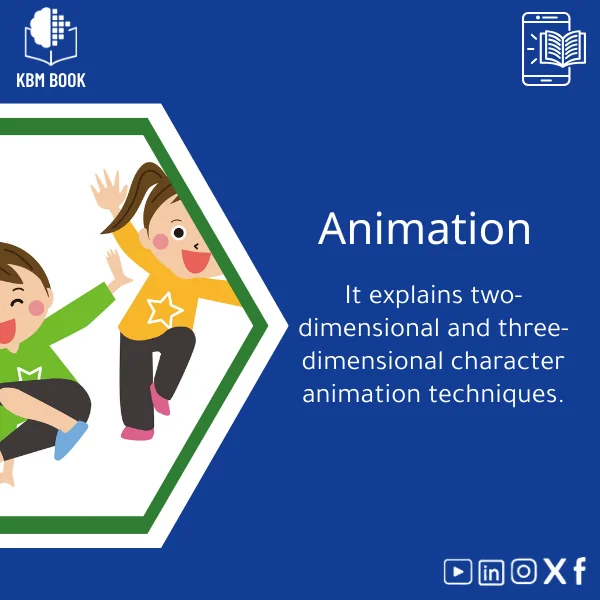
2D/3D Character Animation Course for Beginners
Original price was: 179.00 $.139.00 $Current price is: 139.00 $.
A structured, searchable Knowledge Base Module (KBM) that teaches practical 2D and 3D character-animation techniques step-by-step — from core principles and rigging to walk cycles and expressive acting — designed for students, researchers, and professionals who need reliable, ready-to-use reference material.
Key benefits & value for the buyer
This animation course is delivered as a KBM — a compact, searchable database that converts lessons into practical reference tools. Instead of sifting through long videos or fragmented articles, you get:
- Immediate applicability: Rigs, scripts, and timing templates you can drop into projects and test immediately.
- Concise knowledge layers: From beginner concepts (squash & stretch, timing) to advanced rigging workflows (constraints, skinning), organized so you can progress or jump to specifics.
- Reliable reference: Academic-quality explanations and production-tested recipes that support both learning and professional deliverables.
- Time savings: Rapid lookup of techniques reduces research time for students, researchers, and studio personnel.
Use cases & real-life scenarios
Classroom & research
Lecturers and researchers use the KBM to build curricula, extract examples for papers, or standardize lab exercises. The hierarchical structure makes it easy to cite exact steps for experiments on motion perception.
Freelance & studio production
A junior animator can reference walk-cycle templates, rigging checklists, and corrective morph examples while working on client shots. Project leads use the KBM to on-board contractors quickly with consistent methods.
Self-study & portfolio building
Students preparing demo reels follow the step-by-step modules to create polished loopable animations and exportable test scenes for portfolio review.
Who is this product for?
This animation course targets anyone who needs dependable, structured knowledge about character animation:
- Art and animation students who prefer concise, searchable references over long tutorials.
- Researchers documenting methods for human motion studies or evaluating animation techniques.
- Professionals and junior animators seeking templated rigs, production checklists, and best practices to speed up delivery.
How to choose the right variant (2D vs 3D focus)
The KBM is modular. Select modules that match your workflow:
- 2D animation course modules: Timing charts, frame-by-frame breakdowns, traditional rigging for toon rigs (skeletons & deformation guides).
- 3D animation course modules: FK/IK setups, skinning tips, graph editor workflows, and export-ready test scenes for Maya, Blender, or Cinema 4D.
- Combined path: If you work across both media, choose the combined KBM bundle to access cross-referenced lessons that show principle transfer from 2D to 3D.
If unsure, start with the “Foundations” module (covers universal principles) and add medium-specific packs as needed.
Quick comparison with typical alternatives
Compared with long video courses or scattered articles, this KBM emphasizes fast retrieval and reuse:
- Videos: Great for demonstrations but slow for lookup. KBM provides concise instructions and reusable assets.
- Books: Deep but static — KBM offers downloadable rigs and files alongside explanations.
- Forums/threads: Fragmented and inconsistent — KBM is curated and consistent in style and method.
Best practices & tips to get maximum value
- Start with the Foundations module to unify terminology and techniques across 2D and 3D.
- Import the provided sample rigs into your preferred software and run the provided test scenes before modifying them.
- Use the KBM’s searchable index during production — look up “anticipation” or “FK to IK switch” instead of re-watching long clips.
- Pair the KBM with short practice sessions: 30–60 minute focused exercises help convert concepts into muscle memory.
Common mistakes when buying/using animation resources and how to avoid them
- Mistake: Buying a single long-form course and expecting instant mastery. Fix: Use a KBM for targeted learning — apply modules progressively.
- Mistake: Overlooking rig compatibility. Fix: Check software compatibility in the specs and use conversion notes included in the KBM.
- Mistake: Skipping practice assets. Fix: Follow provided exercises; assets are part of the learning loop.
Product specifications
- Format: Knowledge Base Module (KBM) — searchable database + downloadable assets
- Content: 12 modules (Foundations, Timing, 2D rigs, 3D rigs, Acting, Walk Cycles, Facial, Export & pipelines, Tools & scripts, Case studies, Exercises, References)
- Assets included: rig files (FBX, Blender .blend, Maya scene examples), animation samples, timing charts, PDF summaries
- Delivery: Instant digital download — single-user license for educational and professional use
- Prerequisites: Basic familiarity with animation interface; optional starting lessons for total beginners
- Compatibility: Blender, Maya, and generic FBX-supporting engines; platform-agnostic KBM viewer (desktop)
- Language: English; structured for quick translation or citation in research
Frequently asked questions
Do I need prior experience to use this animation course?
No. The KBM includes a Foundations module that introduces key concepts. Beginners can follow a progressive path; more experienced users can jump to advanced rigging and acting modules.
Which software does the KBM support?
The KBM provides example rigs and scenes in Blender and Maya, plus FBX exports for other engines. Detailed notes explain how to adapt assets to other software.
Is this a video course?
It is primarily a structured knowledge database with written lessons, downloadable rigs and sample scenes, and short demo clips. The goal is fast, searchable reference rather than long passive watching.
Will the KBM receive updates?
Yes. KBMBook provides periodic updates to content and assets. Purchases include patch updates relevant to tools and workflows during the first year; longer-term update options are described at checkout.
Ready to start learning character animation the practical way?
Get a KBM designed for quick application in study, research, and production. Instant download, searchable structure, and production-ready assets help you move from concept to finished shot faster.
Related products
Astrophysics Book: Understanding Stars, Galaxies, and Dark Energy
A searchable, hierarchical Knowledge Base Module (KBM) that converts astrophysics and cosmology into a practical, exam-ready and research-ready reference. Designed for students, researchers, and professionals who need immediate access to reliable explanations, equations, and data models for stars, galaxies, and dark energy.
Biochemistry Book: Understanding Chemical Processes in Living Systems
Classical Mechanics Guide: Newton’s Laws and Dynamics
A searchable, hierarchical Knowledge Base Module (KBM) that turns classical mechanics into a practical, ready-to-use reference for fast problem solving, lecture preparation, and applied engineering. Designed for students, researchers, and professionals who need precise access to Newton’s laws, rotational motion, and applied dynamics without the noise of textbooks.
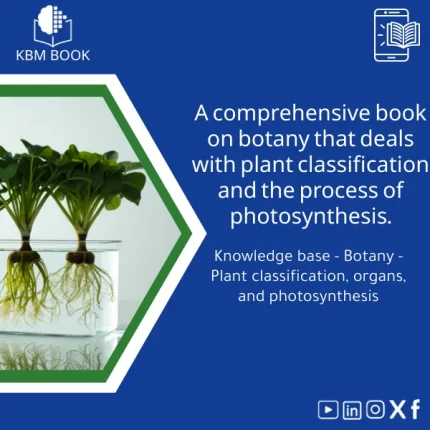
Comprehensive Botany Book on Plant Taxonomy and Photosynthesis
A structured, searchable botany book designed as a Knowledge Base Module (KBM) — an end-to-end reference on plant taxonomy, organ structure, and the biochemistry of photosynthesis. Built for students, researchers, and professionals who need reliable, hierarchical knowledge they can search, cite, and apply immediately.
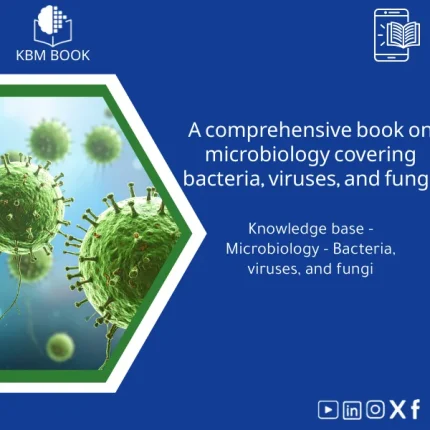
Comprehensive Microbiology Book on Bacteria, Viruses, and Fungi
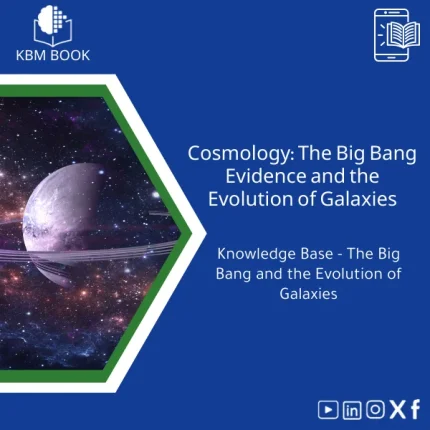
Cosmology Book: Guide to Big Bang and Galaxy Evolution
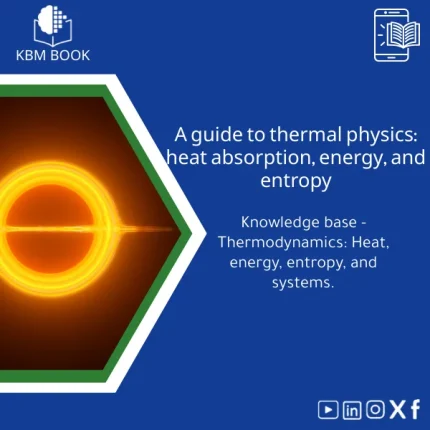
Thermal Physics Guide: Understanding Heat, Energy, and Entropy
A downloadable, hierarchically structured Knowledge Base Module (KBM) that converts university-level thermodynamics into a searchable, practical digital database. Ideal for students, researchers, and professionals who need fast, reliable access to fundamentals and advanced topics in thermal physics.
Reviews
Clear filtersThere are no reviews yet.