


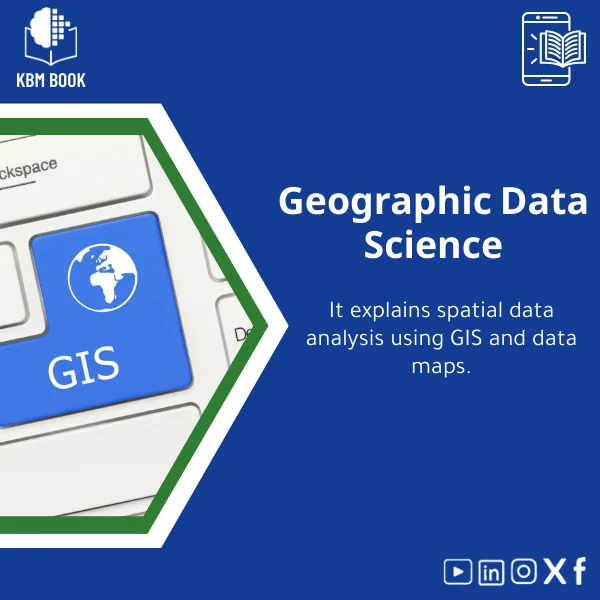
Geospatial Data Science Guide for Spatial Analytics and GIS
Original price was: 199.00 $.159.00 $Current price is: 159.00 $.
A structured, searchable Knowledge Base Module (KBM) that converts geospatial data science into a hierarchical, practical reference — fast access to GIS methods, spatial analytics workflows, and ready-to-use examples for students, researchers, and professionals.
Key benefits & value for students, researchers, and professionals
This KBM transforms geospatial data science into a reusable, searchable tool so you spend less time hunting for answers and more time applying them. Benefits include:
- Time-saving reference: Instant access to validated spatial analysis methods and formulas — from kernel density estimation to spatial autocorrelation (Moran’s I).
- Reduced trial-and-error: Tested code snippets for Python/R and configuration templates for GIS software minimize platform friction.
- Practical learning path: A hierarchical structure that supports progressive learning — suitable for coursework, research protocols, and professional projects.
- Consistency across teams: Standardized procedures and data models help teams reproduce analyses and document workflows for audits or publications.
- Actionable deliverables: Exportable charts, data schemas, and reporting templates make it easy to produce client-ready outputs.
Use cases & real-life scenarios
Academic research
Researchers use the KBM to structure literature reviews, select appropriate spatial statistics, and adapt reproducible code for peer-reviewed papers. Example: replacing ad-hoc spatial joins with documented zonal statistics that match publication standards.
Urban planning & public policy
Practitioners map service accessibility, run hotspot analyses for crime or disease, and generate clear policy maps. Example: a 3-step workflow in the KBM for measuring transit deserts and prioritizing interventions.
Environmental & conservation science
The KBM guides habitat suitability modeling, biodiversity mapping, and remote-sensing feature extraction — complete with sample raster processing pipelines.
Learning & coursework
Students can follow module checkpoints and submit lab-style exercises. Instructors can extract problem sets and answer keys to standardize grading.
Who is this product for?
Designed for the overlap of learners and doers:
- Graduate/undergraduate students taking a geospatial analytics course or specialized GIS spatial analysis training.
- Researchers needing reliable reference material for spatial modeling and reproducible analyses.
- GIS analysts and data scientists implementing advanced GIS applications in production.
- Trainers and consultants building curricula or client-ready workflows.
How to choose the right KBM depth & format
KBMs come in tiers — pick based on your project scope and technical background:
- Introductory module: Theory, core definitions, coordinate systems, and basic QGIS tasks — ideal for beginners.
- Applied module: End-to-end examples, code snippets, and data templates for common projects — best for students and practitioners.
- Advanced module: Spatial statistics, machine learning integration, and production-ready workflows — for researchers and senior analysts.
If you need both learning and applied outputs, choose the Applied + Advanced bundle to ensure continuity from learning to deployment.
Quick comparison with typical alternatives
Common options are textbooks, scattered online tutorials, and video courses. How the KBM compares:
- Textbooks: Deep theory but slow to query. KBM provides the same depth with immediate search and practical templates.
- Online tutorials: Good for single tasks but inconsistent. KBM offers standardized, peer-reviewed methods and cross-platform code.
- Video courses: Useful for guided learning but limited for fast lookup. KBM serves as a persistent, searchable reference you can reuse in projects.
Best practices & tips to get maximum value
- Start with the checklist: follow the KBM’s project checklist to confirm data readiness, projections, and metadata standards.
- Use it alongside your GIS environment: copy the code snippets into your Jupyter/RStudio sessions and adapt parameters rather than rewriting steps from scratch.
- Document changes: every project should record parameter values and dataset versions — the KBM includes a template for that.
- Customize exports: convert KBM templates into your organization’s report format to save repeated formatting time.
Common mistakes when buying/using similar products — and how to avoid them
- Mistake: Buying a general guide that lacks reproducible code. Fix: Choose KBMs with code snippets for your preferred platform (Python/R/QGIS).
- Mistake: Assuming one-size-fits-all workflows. Fix: Use the KBM’s decision trees to adapt methods to your data scale and quality.
- Mistake: Not checking licensing for datasets or scripts. Fix: KBM includes license notes and recommended open datasets to avoid compliance issues.
Product specifications
- Format: Downloadable Knowledge Base Module (searchable DB + PDF guide + code snippets)
- Included platforms: QGIS instructions, ArcGIS Pro notes, Python (GeoPandas, rasterio), R (sf, terra)
- Modules: 40+ subcategories (projections, data cleaning, spatial stats, remote sensing, modeling)
- Examples: 10+ end-to-end case studies with sample datasets
- Language: English (with Arabic interface notes where applicable)
- License: Single-user digital license; multi-user/academic site licenses available on request
- Updates: Minor updates included for 12 months after purchase; major upgrades offered as paid updates
Frequently asked questions
Is this KBM suitable for beginners who want to learn geospatial data science?
Yes. The KBM is structured hierarchically: introductory modules cover core concepts (coordinate systems, basic vector/raster operations) and guided exercises. If you are a complete beginner, start with the introductory module and progress to applied modules as you gain confidence.
Which software platforms are supported in the KBM?
The KBM provides instructions and tested code for QGIS, ArcGIS Pro notes, Python (GeoPandas, rasterio, scikit-learn examples), and R (sf, terra). Code samples are modular so you can reuse them in Jupyter or RStudio.
How frequently is the KBM updated, and how are updates delivered?
Minor corrections and clarifications are issued within 12 months at no extra cost. Major content expansions are released as optional paid upgrades. Purchasers receive update notifications via email with instructions to download the latest version.
What if I need a site or lab license for multiple users?
Contact KBMBook sales for multi-user or academic site license options. Bundles for classes and research groups are available and include instructor guides and extra export permissions.
Ready to stop searching and start analyzing?
Get the Geospatial Data Science KBM and equip your projects with a structured, practical knowledge base that reduces setup time and improves reproducibility.
Need a site license or classroom bundle? Contact KBMBook support after purchase for bundle options and invoicing.
Related products
Astrophysics Book: Understanding Stars, Galaxies, and Dark Energy
A searchable, hierarchical Knowledge Base Module (KBM) that converts astrophysics and cosmology into a practical, exam-ready and research-ready reference. Designed for students, researchers, and professionals who need immediate access to reliable explanations, equations, and data models for stars, galaxies, and dark energy.
Biochemistry Book: Understanding Chemical Processes in Living Systems
Biological Anthropology Study Guide on Human Evolution
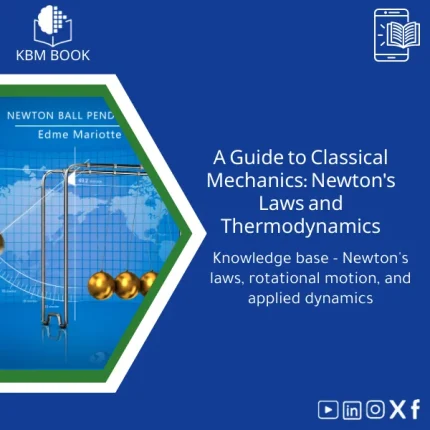
Classical Mechanics Guide: Newton’s Laws and Dynamics
A searchable, hierarchical Knowledge Base Module (KBM) that turns classical mechanics into a practical, ready-to-use reference for fast problem solving, lecture preparation, and applied engineering. Designed for students, researchers, and professionals who need precise access to Newton’s laws, rotational motion, and applied dynamics without the noise of textbooks.
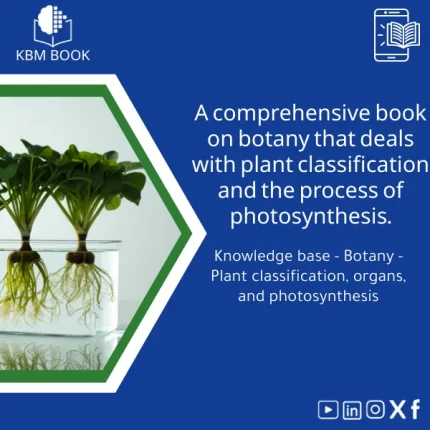
Comprehensive Botany Book on Plant Taxonomy and Photosynthesis
A structured, searchable botany book designed as a Knowledge Base Module (KBM) — an end-to-end reference on plant taxonomy, organ structure, and the biochemistry of photosynthesis. Built for students, researchers, and professionals who need reliable, hierarchical knowledge they can search, cite, and apply immediately.
Comprehensive Nuclear Physics Book on Structure and Radioactivity
Materials Physics Guide: Understanding Solid-State Properties
Thermal Physics Guide: Understanding Heat, Energy, and Entropy
A downloadable, hierarchically structured Knowledge Base Module (KBM) that converts university-level thermodynamics into a searchable, practical digital database. Ideal for students, researchers, and professionals who need fast, reliable access to fundamentals and advanced topics in thermal physics.
Reviews
Clear filtersThere are no reviews yet.